Plain-language summary for users — this is not legal advice and has not been reviewed by a lawyer. Use of this tool is entirely at your own risk.
Private & invite-only ▸
This is a private tool, not a public product. Access is limited to people the owner has individually authorized, and accounts can only be created with pre-approved email addresses. You may not share, resell, redistribute, or give anyone else access to the extension or your account. Unauthorized access or use is prohibited.
Not for profit ▸
The tool is provided free of charge for personal, non-commercial use by youth-baseball coaches and parents. It is not sold, licensed, or monetized in any way.
Use at your own risk — no warranty ▸
The extension is provided "as is," without warranty of any kind, express or implied. The owner makes no guarantee about its accuracy, availability, reliability, or the correctness of any report it generates, and is not liable for any loss or damage arising from its use. You are solely responsible for how you use the tool and any decisions you make based on its output.
Your responsibility & GameChanger's terms ▸
You are responsible for complying with GameChanger's Terms of Use and all applicable laws when using this tool. Note that GameChanger's terms restrict automated access to and scraping of their service. By using this extension you accept full responsibility for your own use of it, confirm you have a legitimate right to access the team data you view, and agree the owner is not responsible for any consequences of your use.
Not affiliated with GameChanger ▸
This is an independent, unofficial tool. It is not affiliated with, endorsed by, sponsored by, or connected to GameChanger Media, Inc., DICK'S Sporting Goods, Inc., or any of their affiliates. "GameChanger" and related marks are the property of their respective owners; they are referenced only to describe what the tool works with.
Data & privacy ▸
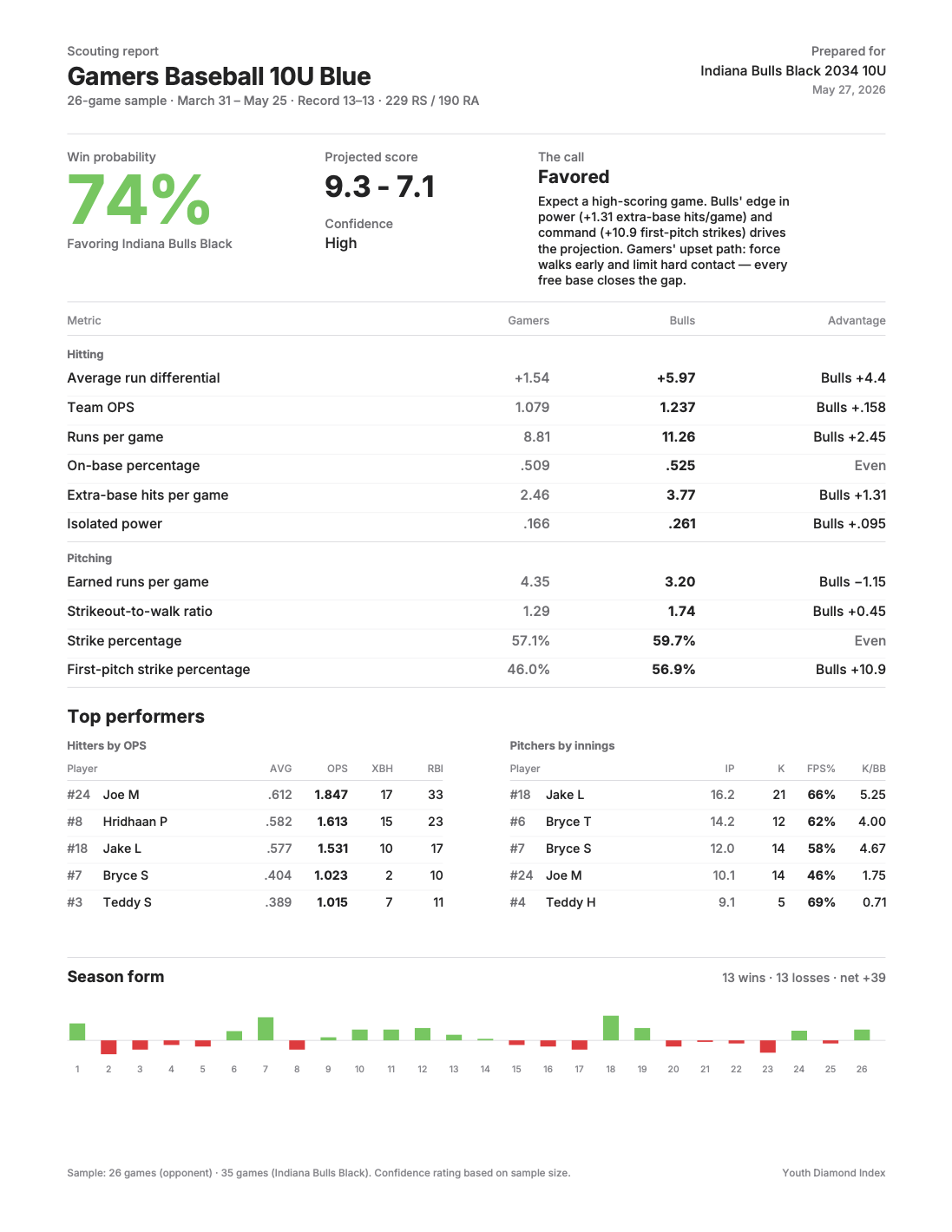
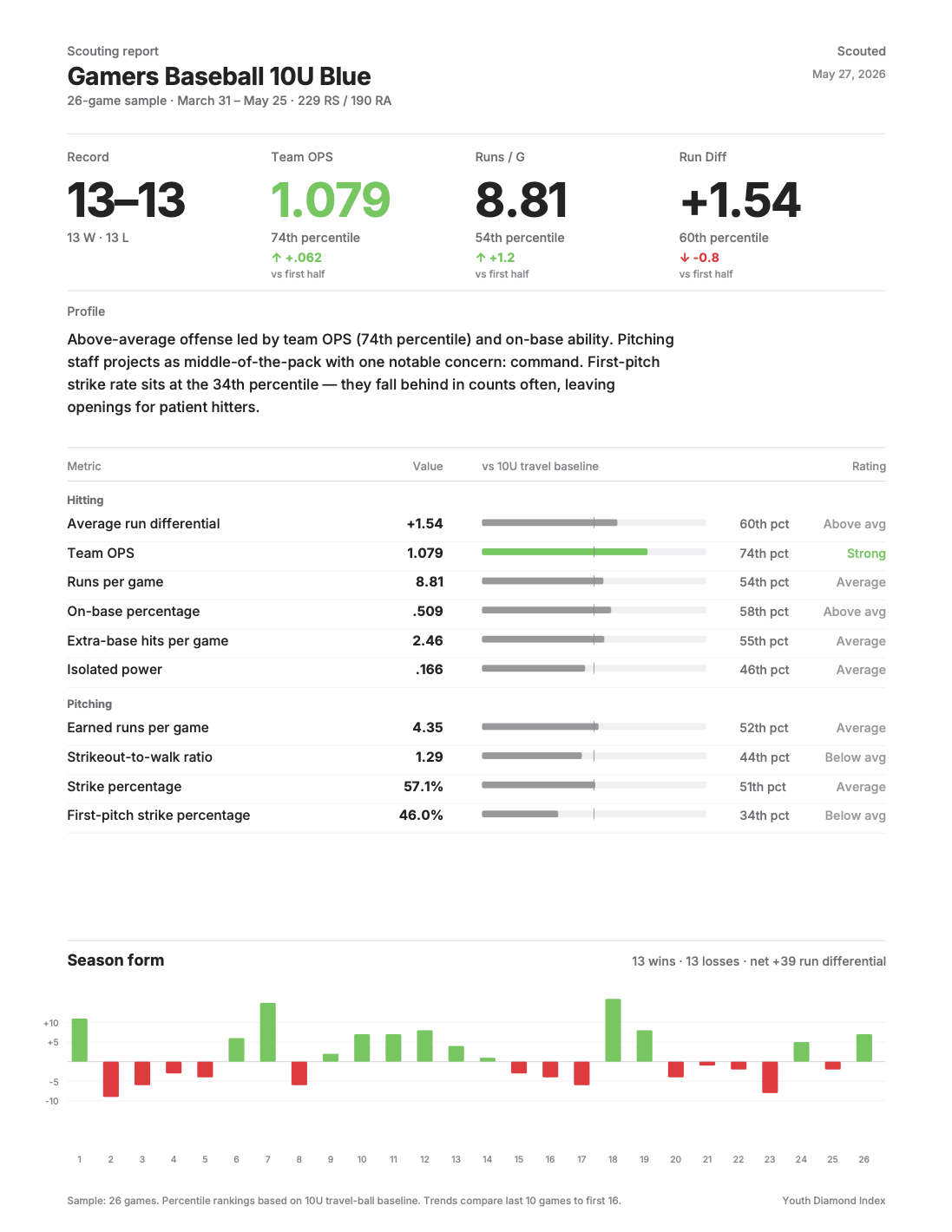
Reports are generated from the team data you choose to scrape and are downloaded directly to your device. The owner does not sell your data. Authentication is handled through the same backend as the extension; do not share your login credentials with anyone.